Free AI Video Generators: 12 Best Text and Image to Video Tools
The best free AI video generators online in 2026: text-to-video and image-to-video tools with free credits, including Kling, Hailuo, Pika and Runway.
Quick answer
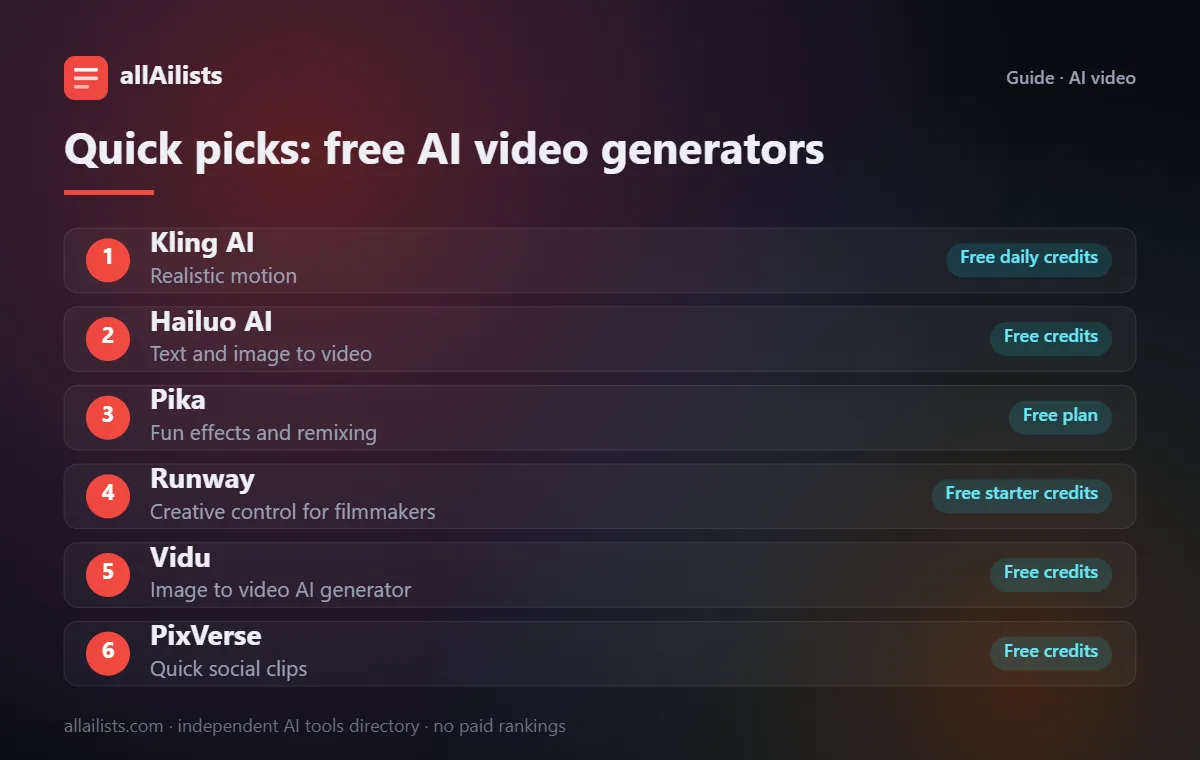
The best free AI video generators online give you daily or monthly free credits: Kling AI and Hailuo AI for realistic motion, Pika for fun effects, Vidu and PixVerse for quick image-to-video clips, and Runway for creative control. For editing what you generate, use CapCut.
AI video generation moved fast in the last year. You can now turn a text prompt or a single photo into a short, realistic clip in minutes, often for free.
Free AI video generators usually work on credits: you get a set number of generations per day or month, with watermarks or lower resolution on free plans. This guide compares the best options and explains what you actually get without paying.
Free AI video generators at a glance
| # | Tool | Best for | Free option |
|---|---|---|---|
| 1 | Kling AI | Realistic motion | Free daily credits |
| 2 | Hailuo AI | Text and image to video | Free credits |
| 3 | Pika | Fun effects and remixing | Free plan |
| 4 | Runway | Creative control for filmmakers | Free starter credits |
| 5 | Vidu | Image to video AI generator | Free credits |
| 6 | PixVerse | Quick social clips | Free credits |
| 7 | Luma Dream Machine | Cinematic text to video | Free tier (limited) |
| 8 | Google Veo | High-fidelity video with sound | Via Google plans |
| 9 | Invideo AI | Full videos from a script | Free plan |
| 10 | Fliki | Text to video with voiceover | Free plan |
| 11 | Vidnoz | Free avatar and template videos | Free plan |
| 12 | CapCut | Editing your AI clips | Free plan |
Free options change often. Details reflect each product's public plans as of November 2026; always confirm on the official site.
How we picked these tools
Every tool here is listed in the allAilists directory, which we re-check every month for products that shut down, rebrand or change direction. We favor established products with a clear use case, add strong newcomers where they fill a gap, and note where the free option is limited. Nobody paid to be included and we do not use affiliate rankings.
The best free AI video generators
1. Kling AI: realistic motion
Kling AI creates high-motion, realistic clips from text or images and is one of the most popular free AI video generators online.
2. Hailuo AI: text and image to video
MiniMax's Hailuo AI produces smooth, cinematic clips from prompts or still images.
3. Pika: fun effects and remixing
Pika turns text and images into short videos and adds playful effects, popular for social media content.
4. Runway: creative control for filmmakers
Runway offers generation plus editing tools such as motion brush and background removal, aimed at creators and filmmakers.
5. Vidu: image to video AI generator
Vidu animates a still image or prompt into a short clip and is good at keeping characters consistent.
6. PixVerse: quick social clips
PixVerse focuses on fast, stylish clips for social posts, with templates for trending effects.
7. Luma Dream Machine: cinematic text to video
Luma Dream Machine creates cinematic shots from text and images with natural camera movement.
8. Google Veo: high-fidelity video with sound
Google Veo creates high-quality clips with native audio. Access comes through Google's apps and Google Flow, mostly on paid plans.
9. Invideo AI: full videos from a script
invideo AI turns a topic or script into a complete video with stock footage, voiceover and captions.
10. Fliki: text to video with voiceover
Fliki converts blog posts and scripts into narrated videos with AI voices.
11. Vidnoz: free avatar and template videos
Vidnoz offers AI avatars and templates for explainer and marketing videos with a free daily allowance.
12. CapCut: editing your AI clips
CapCut is not a generator first, but it is the easiest free way to cut AI clips together, add captions and music, and export for TikTok or Reels.
Text to video vs image to video
Text-to-video tools build a scene from your description; image-to-video tools animate a photo or illustration you provide. Image to video usually gives more control over how the result looks, so a good workflow is to create a still with an AI image maker, then animate it. For presenter-style videos with a talking person, see AI avatars and dubbing.
How to choose
- Decide between realistic footage, stylized clips or presenter videos.
- Check the free plan's watermark, resolution and clip length.
- Read the licence before using AI video in ads or client work.
- Plan to edit: most great AI videos are several short generations cut together.